
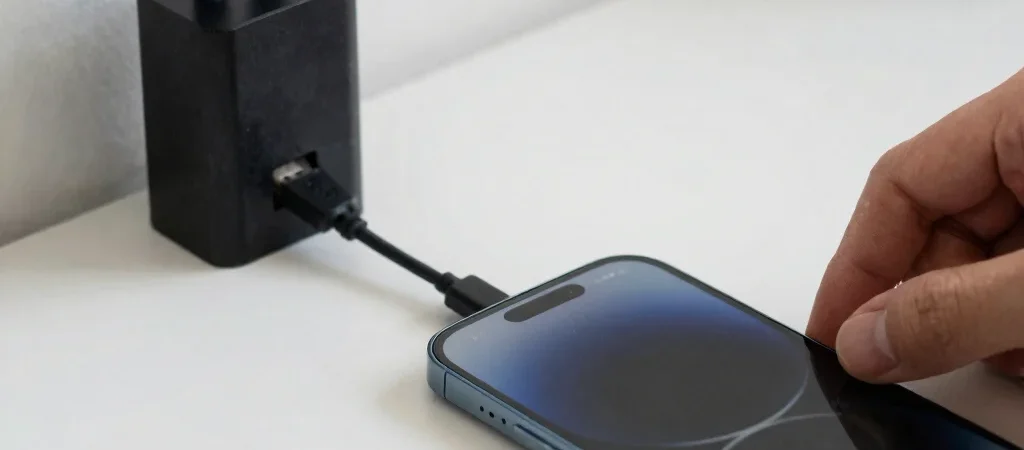
A phone that gains only a little charge during a long break is frustrating, but the battery is not always the cause. Charging speed depends on the phone, power adapter, cable, and power source working together. Check those pieces in order, starting with the ones that are easiest to swap.
Start with the power source
If you are charging from a computer's USB port, try a wall adapter instead; computer ports may provide less power, depending on the port and computer. Test a different wall outlet as well, particularly if the current one is part of a switched power strip. Use a compatible adapter from a reliable source rather than assuming that any plug with a USB socket will charge at the same rate.
A phone may support faster charging only when used with a compatible adapter and cable. Check the phone maker's specifications or manual for supported charging standards and connector types. The wattage printed on an adapter describes its capability, not a guarantee that every phone will draw that amount.
Inspect the cable and port
Try a different cable that is known to work with another device, then compare the result using the same outlet and adapter. A frayed cable, loose connector, or intermittent connection can reduce charging or stop it altogether. If the plug only works at a certain angle, stop bending it into place and replace the damaged cable.
Look into the phone's charging port for visible lint or debris, but do not push metal tools or liquids into it. If the connector will not seat properly, consult the phone maker's cleaning guidance or a repair professional. Stop charging if the phone, adapter, or cable becomes unusually hot, or if you notice damage.
Consider heat and phone use
Charging can slow when a phone gets hot, including during demanding games, navigation, or use in direct sunlight. Set it on a hard, shaded surface and close power-intensive apps while you test; a thick case can also hold heat in. Charging behavior varies by model, so a brief pause in charging is not by itself proof of a battery problem.
If a different cable, adapter, and outlet make no difference, check the phone's battery or charging information in Settings and consult its support documentation. A persistent warning, loose port, or charging failure across multiple compatible chargers is a reason to contact the manufacturer or a qualified repair service. Keep the working charger-and-cable combination noted; it gives support a clearer starting point.